Layered task management that keeps complex projects in view
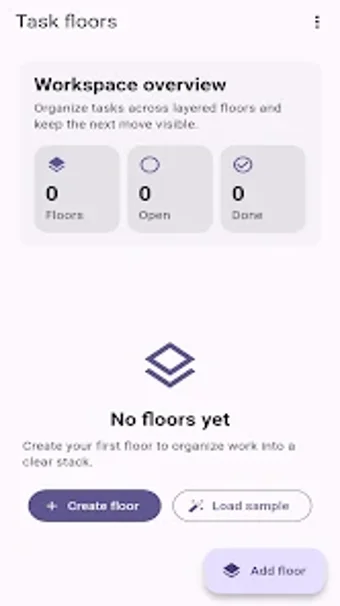
LoftDeck, from developer ubaidali, is a productivity app that maps projects into stacked 'floors' to preserve context across large workflows. The app lets users create tasks with notes, set priority levels, and move items through stages while keeping high-priority items visible. It stores data locally, encrypts transit, and targets professionals, project managers, and students who need a structured, privacy-focused way to break down multi-layered work.
What kind of workspace does the app create for projects?
The app uses a layered, floor-based workspace rather than a single list, so users break projects into distinct floors to keep related tasks together. This floor metaphor segments complex objectives into manageable levels, and tasks retain notes and priority metadata as they sit on each floor. The structure supports maintaining full project context while isolating subsystems or phases inside their own visible layer.
Does it protect data and work offline?
LoftDeck uses local storage for task management and encrypts data in transit, which means users can manage tasks offline and still benefit from protected synchronization. The developer states the app does not collect user data or share it with third parties, a detail that suits privacy-conscious workflows. Those who require cloud-based sharing or centralized team sync should note the local-first design.
Is it approachable for new users and practical for sustained use?
Onboarding emphasis is minimal by design; the app presents a minimalist, ad-free interface focused on execution and explicit non-gamified utility. Moving tasks between stages preserves notes and priority, so the core loop is simple: create, prioritize, move. Some aspects are a little all over the place for users who expect guided tutorials, but the clear visibility model keeps high-priority items front and center during extended sessions.
LoftDeck is a focused choice for privacy-minded planners.
LoftDeck suits professionals and students who prefer a visual, layered way to decompose projects and avoid data collection, but its local-first approach and limited public ratings suggest it targets individual or small-team use rather than broad enterprise deployment. For those who prioritize privacy and structured task layers, the app is a practical tool; users seeking extensive community feedback or large-scale collaboration should consider that public reception is still small.